
Home exterior design.From your photo.
Upload your house photo. Try new colors, materials and styles before you make a change.
Soft siding, warm wood and earthy accents.
Optional. Add colors, materials or details to keep. Up to 1,000 characters. Leave blank to use your selected style.
Checking your sign-in status.
Your photo stays private.
Your home. In a different light.
Six original concepts. From a simple refresh to a completely new direction, see how a few thoughtful changes come together.
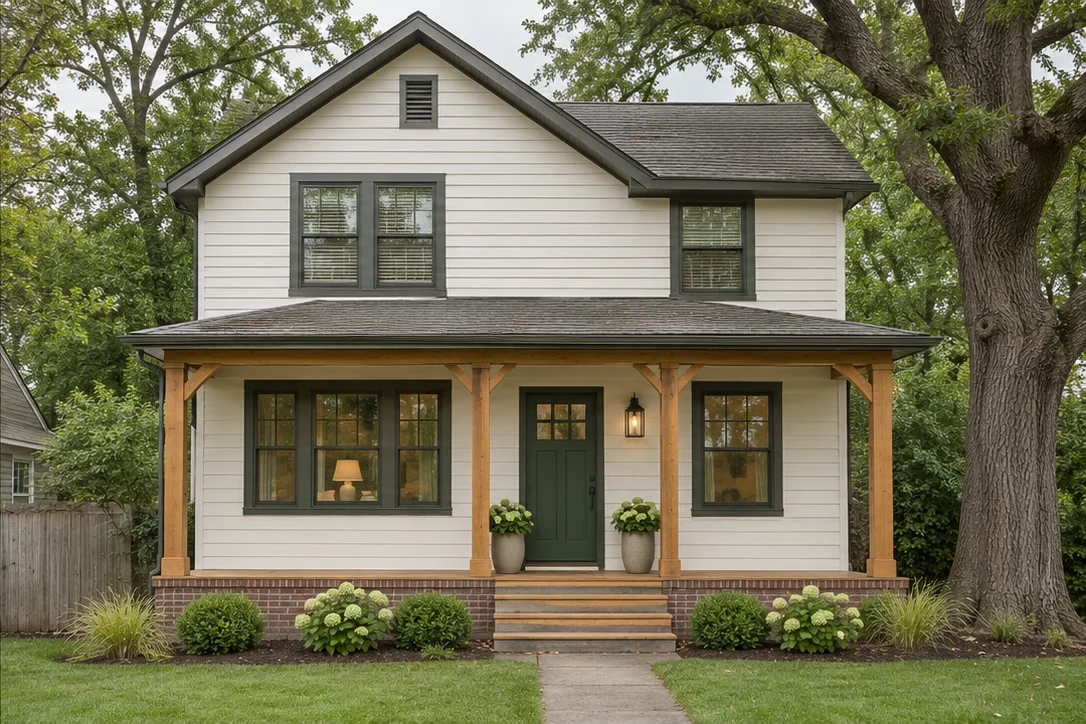
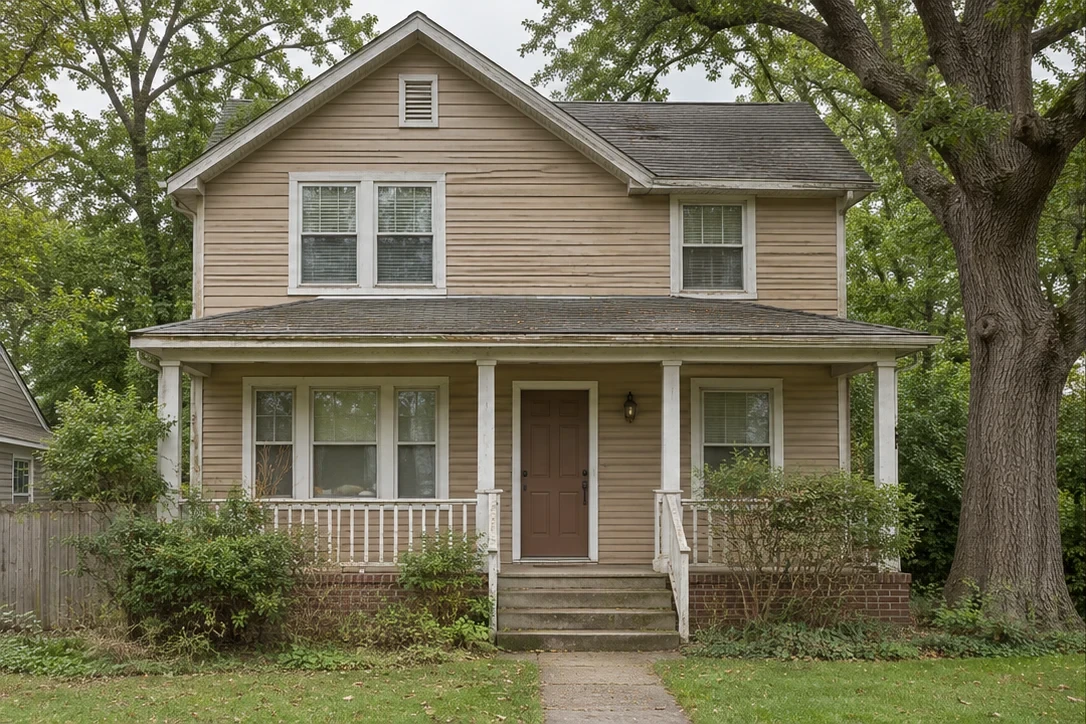
A warmer welcome
Cream siding, cedar details and a forest-green front door.
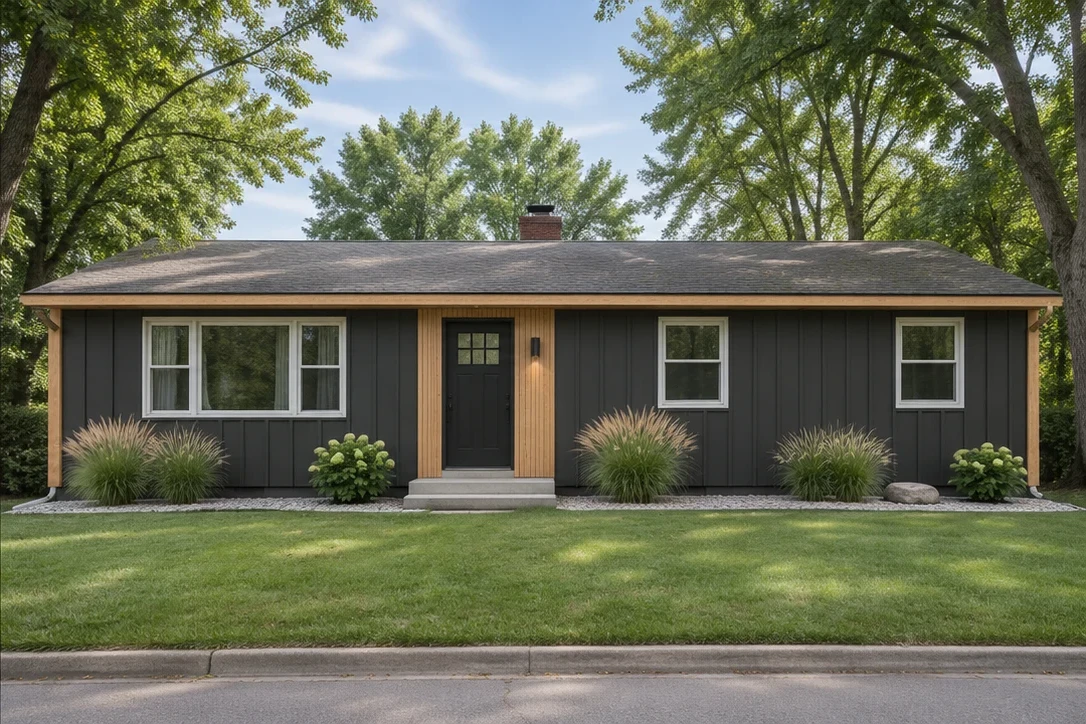
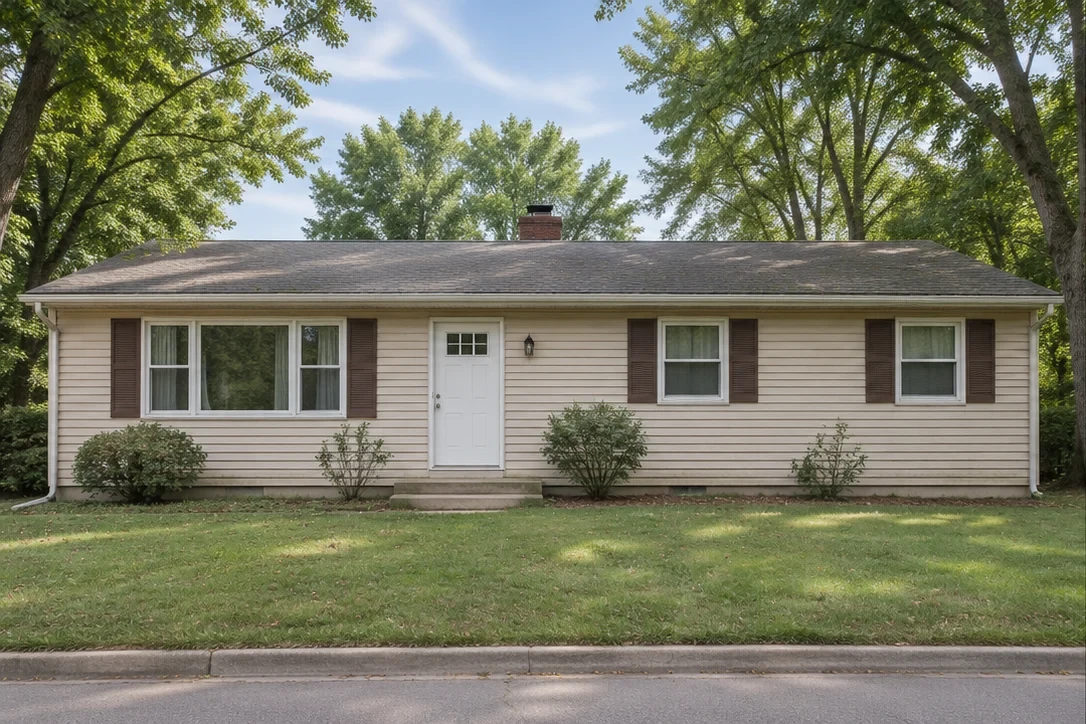
A clean new chapter
Charcoal cladding and natural wood give a ranch a fresh direction.
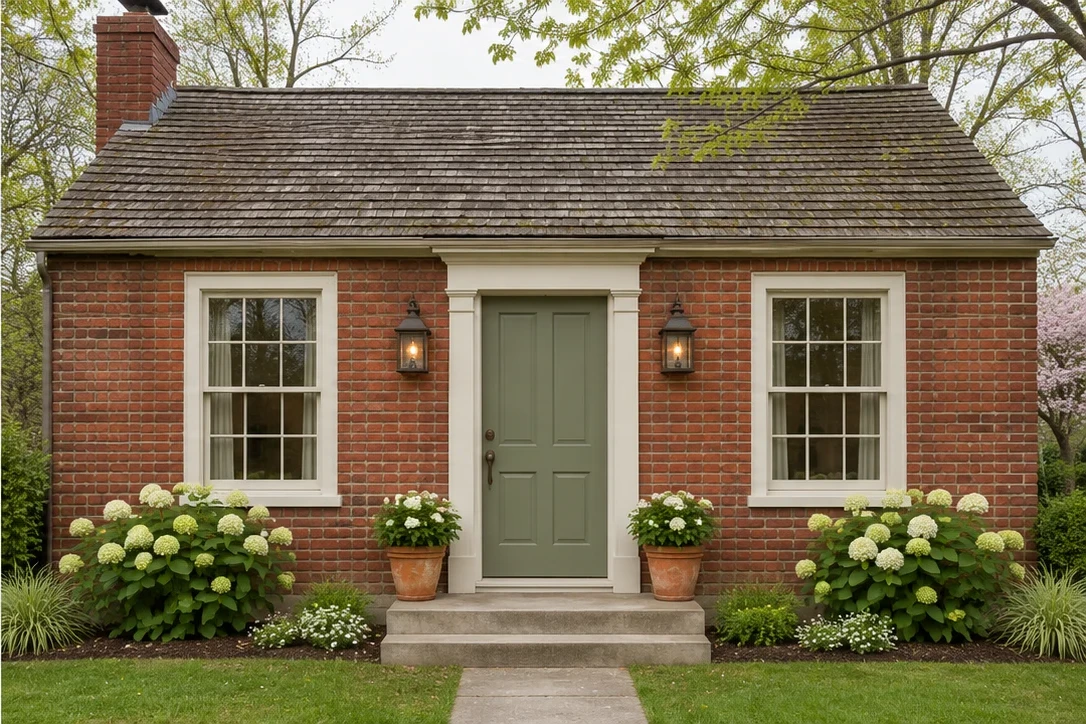
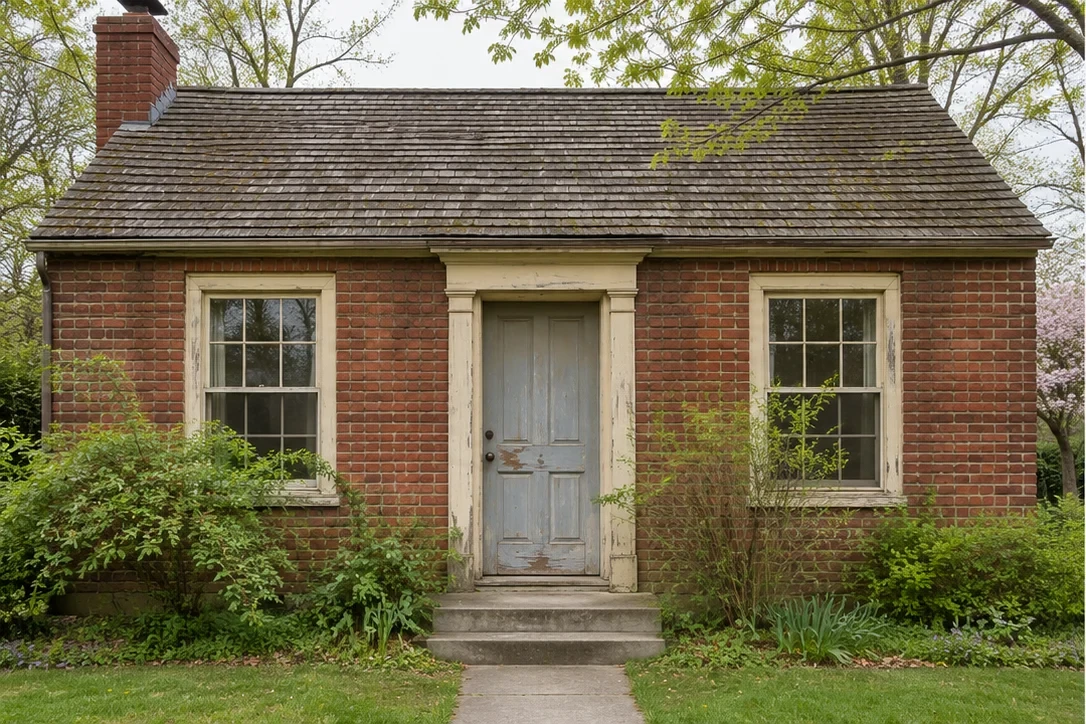
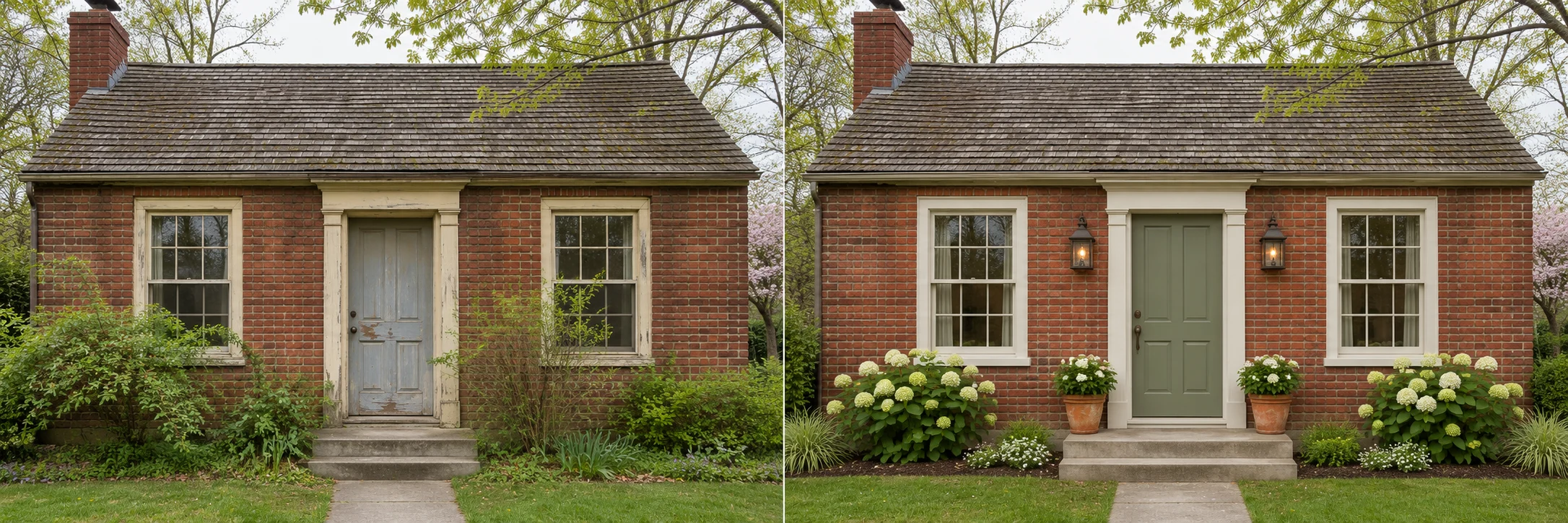
Keep the character
Original brick, softer trim and a sage-green entrance.
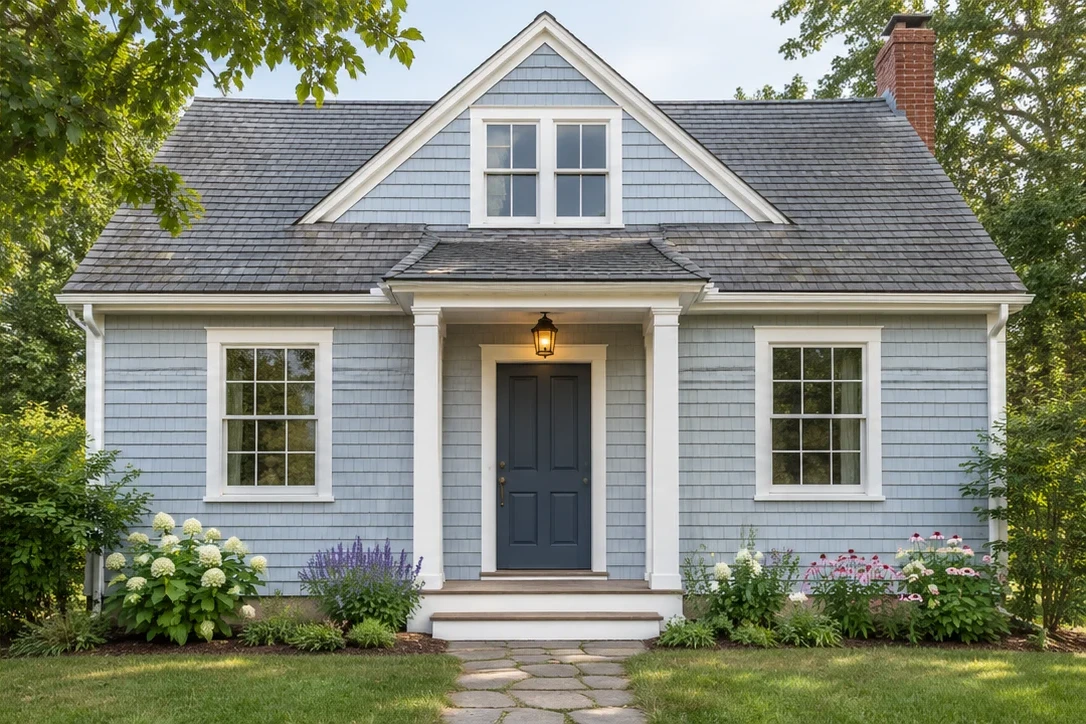
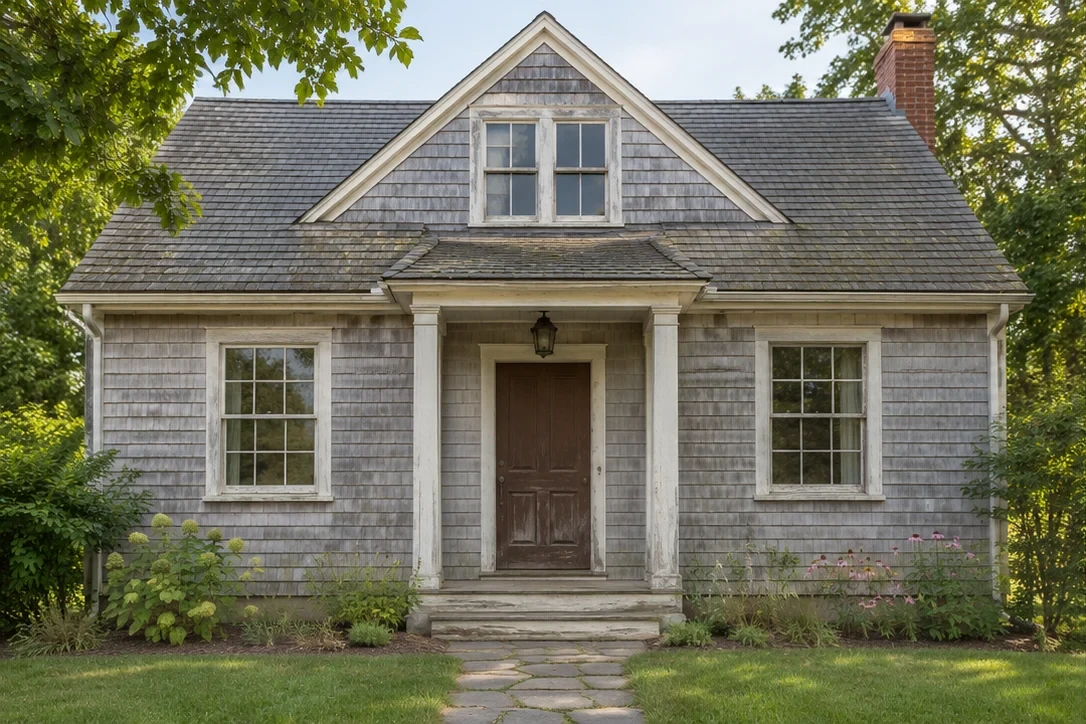
A lighter point of view
Airy siding and a muted blue door bring a softer balance.
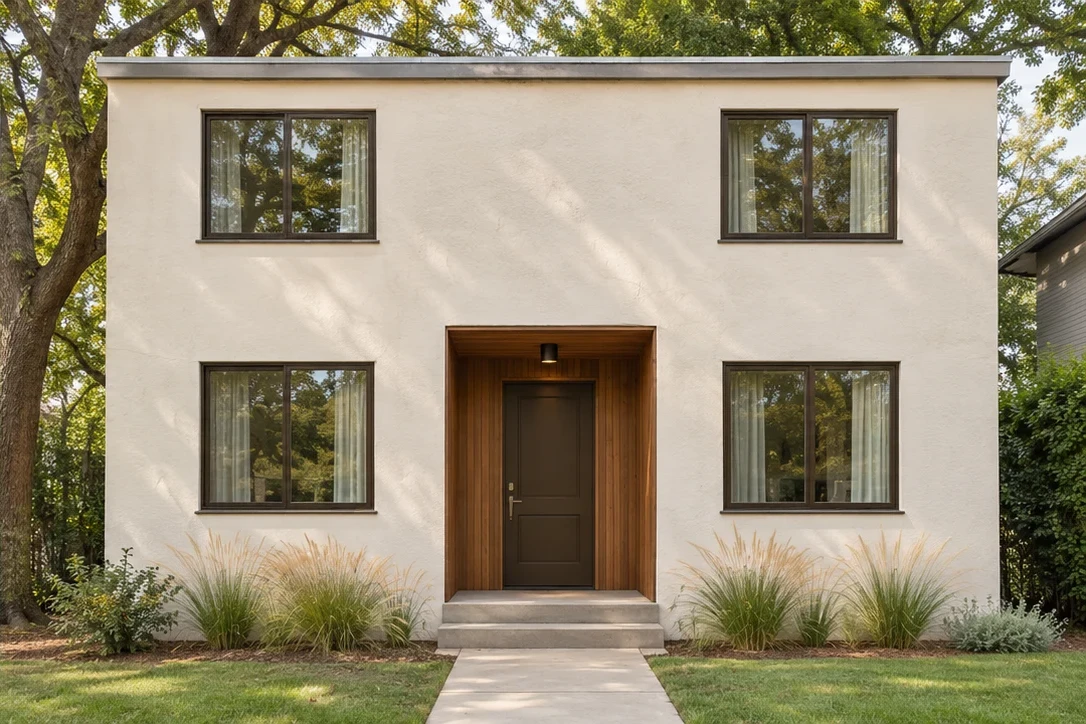
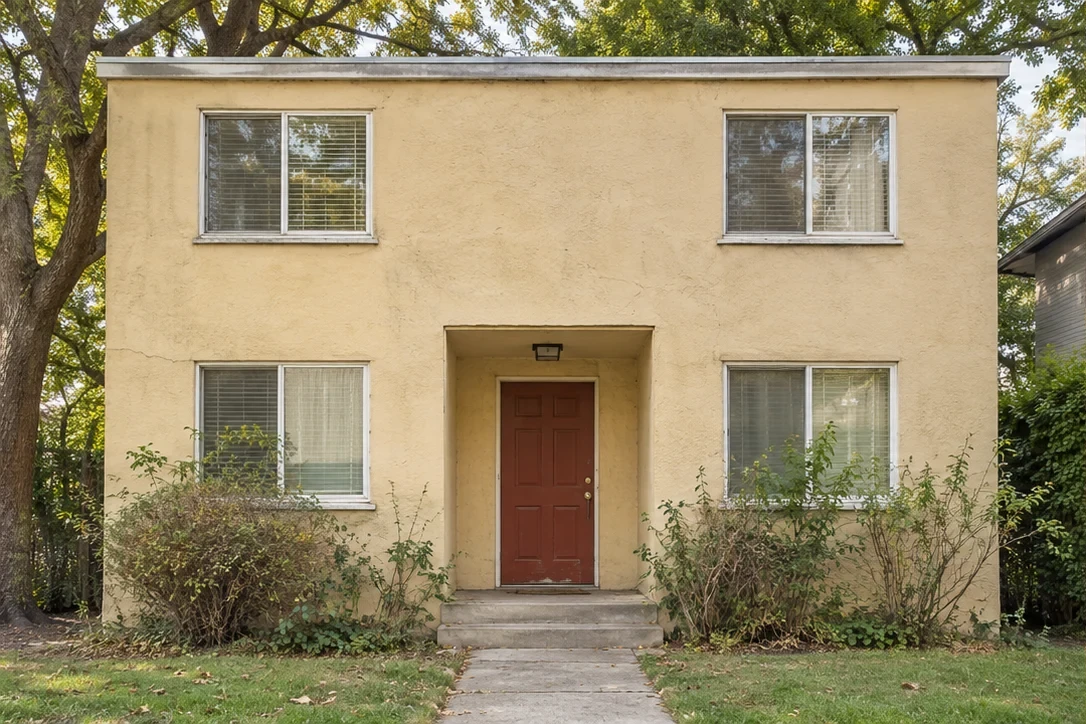
Less, but considered
Warm stucco, restrained details and a little natural texture.
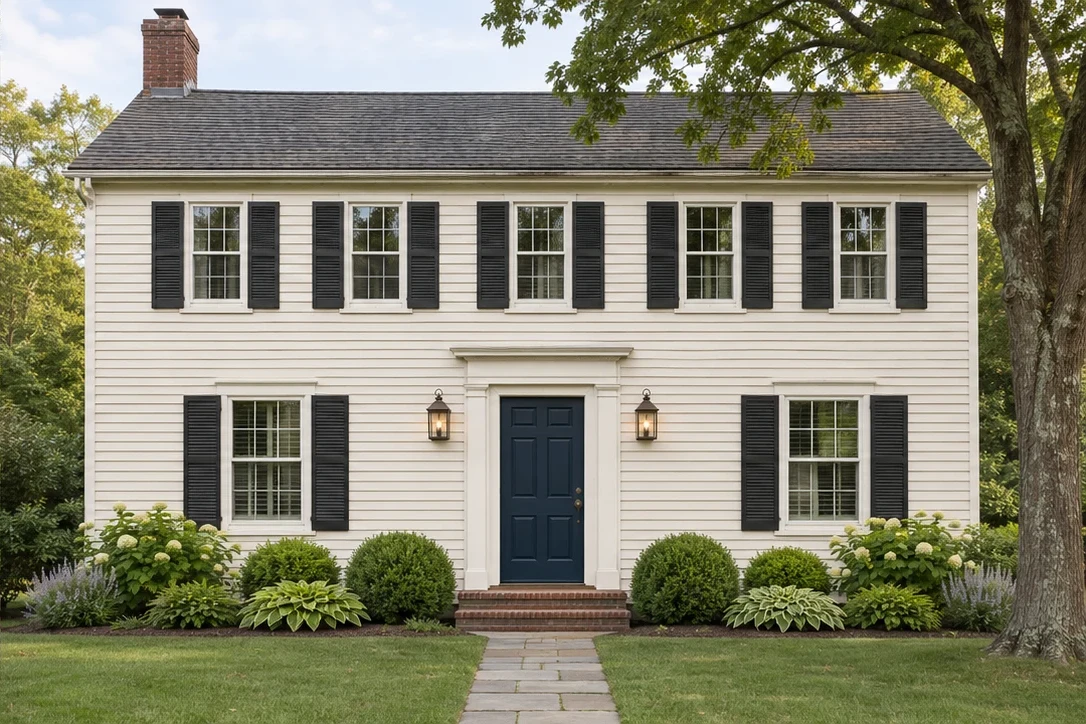
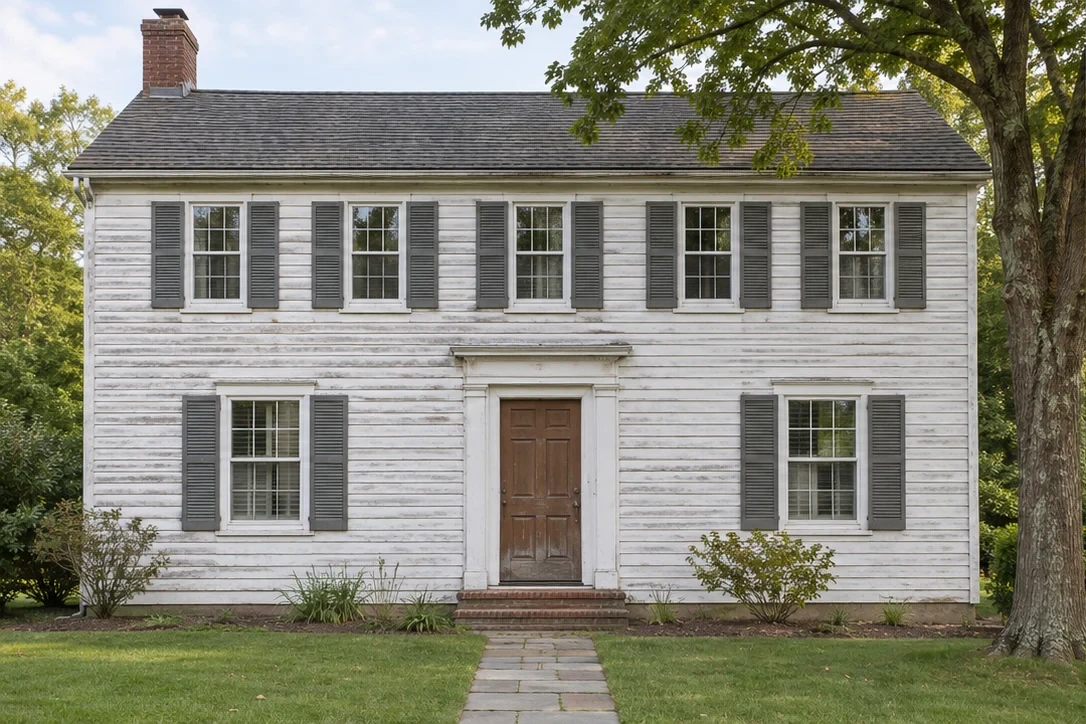
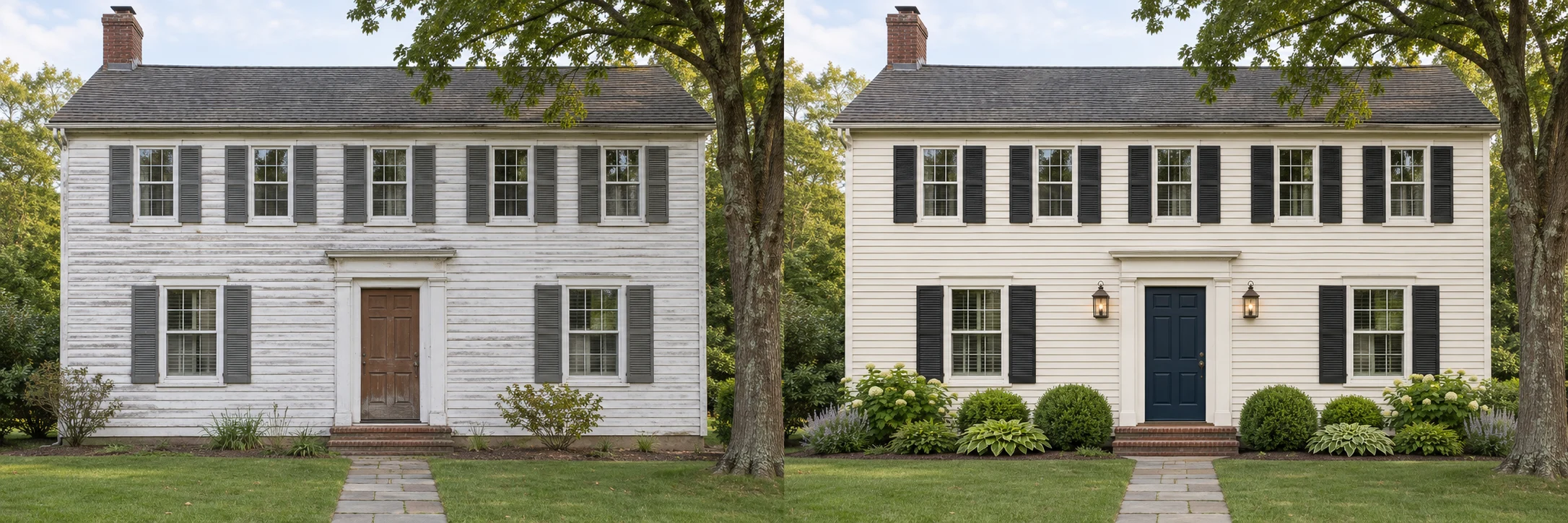
Familiar, with a fresh feel
Quiet colors and thoughtful entry details for a traditional home.
Original AI-generated concepts. Illustrative designs, not completed renovations.
What is home exterior design?
Home exterior design brings together the colors, materials and details you see from the street: siding, paint, the front door, garage and trim. Thoughtful house exterior design considers house exterior colors alongside the roof and fixed finishes. A photo preview helps you compare house exterior materials with the home you already have.
HouseExterior creates visual concepts and color studies for planning. We do not provide construction services, measured architectural drawings or structural advice. Use a preview to explore a direction, then confirm real materials, samples and practical details with the right professional.
Make room for a new perspective.
Good home exterior design starts with seeing the possibilities. Explore the look before you make the commitment.
Find your own direction
Compare natural, modern and timeless ideas without starting from a blank page.
Consider the whole picture
See how colors, materials and entrance details work together.
Start with something small
A front door color is a simple place to try an idea on your own home.
A little curiosity. Three easy steps.
Find your starting point
Bring a clear exterior photo of your own home.
Follow your curiosity
Choose a style, confirm photo processing and create your design.
Take the next small step
Compare with your original and download the design or a comparison.
A clearer picture of what comes next.
Simple tools to help you get a little closer to your next home exterior design.
Your photo is the starting point
Explore a new look on the home you actually live in.
Six directions to explore
From natural and timeless to modern and coastal.
See the change, side by side
Compare a new look with your original house photo.
Start with your front door
Try 24 colors with a precise area selection.
Room to explore
Try it on a phone, tablet or a larger screen.
An idea you can take with you
Download a PNG to save or share with your household.
Start with one good idea.
Useful ways to explore your home’s next look.
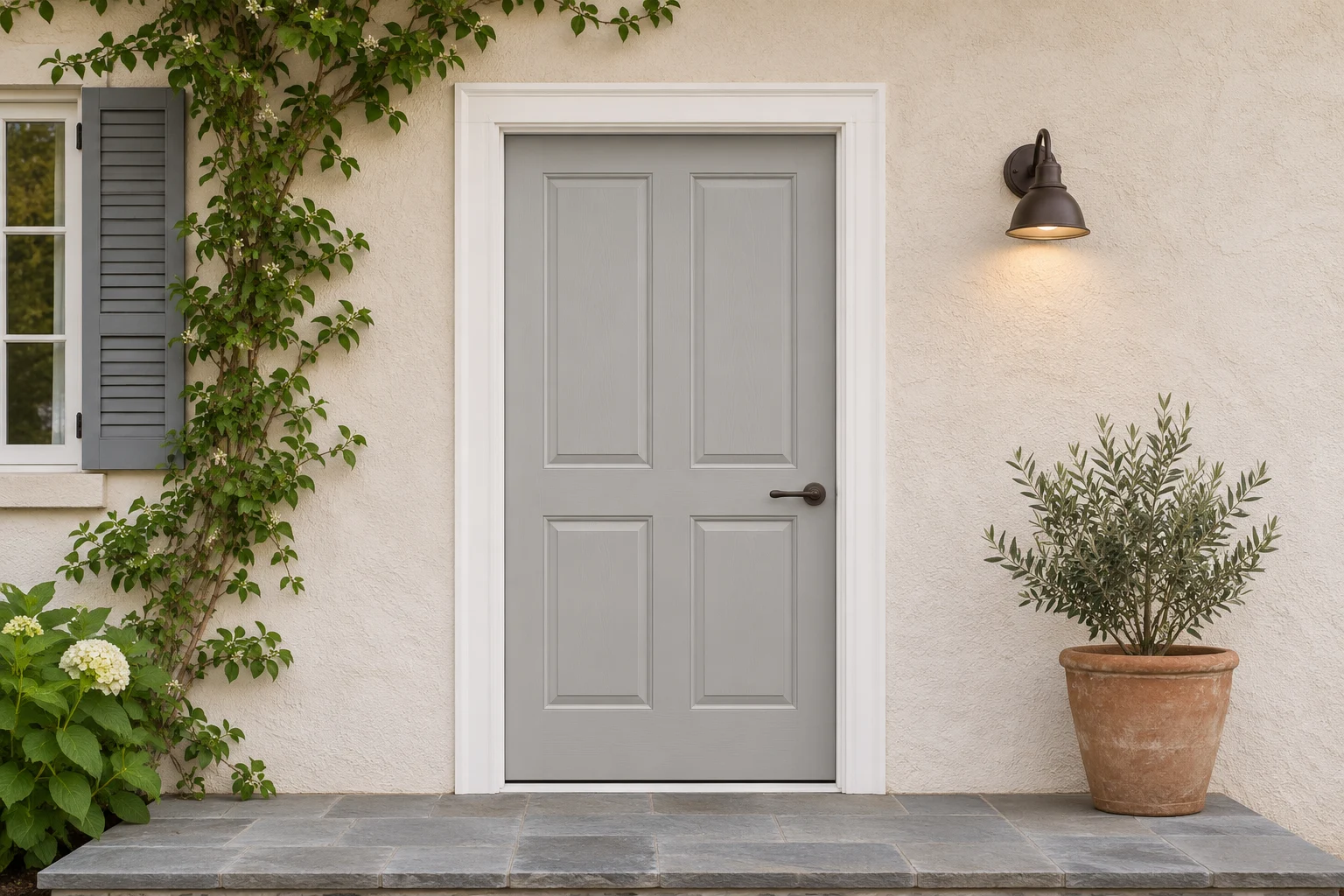
Front door colors
Try 24 colors on the entrance you already have.
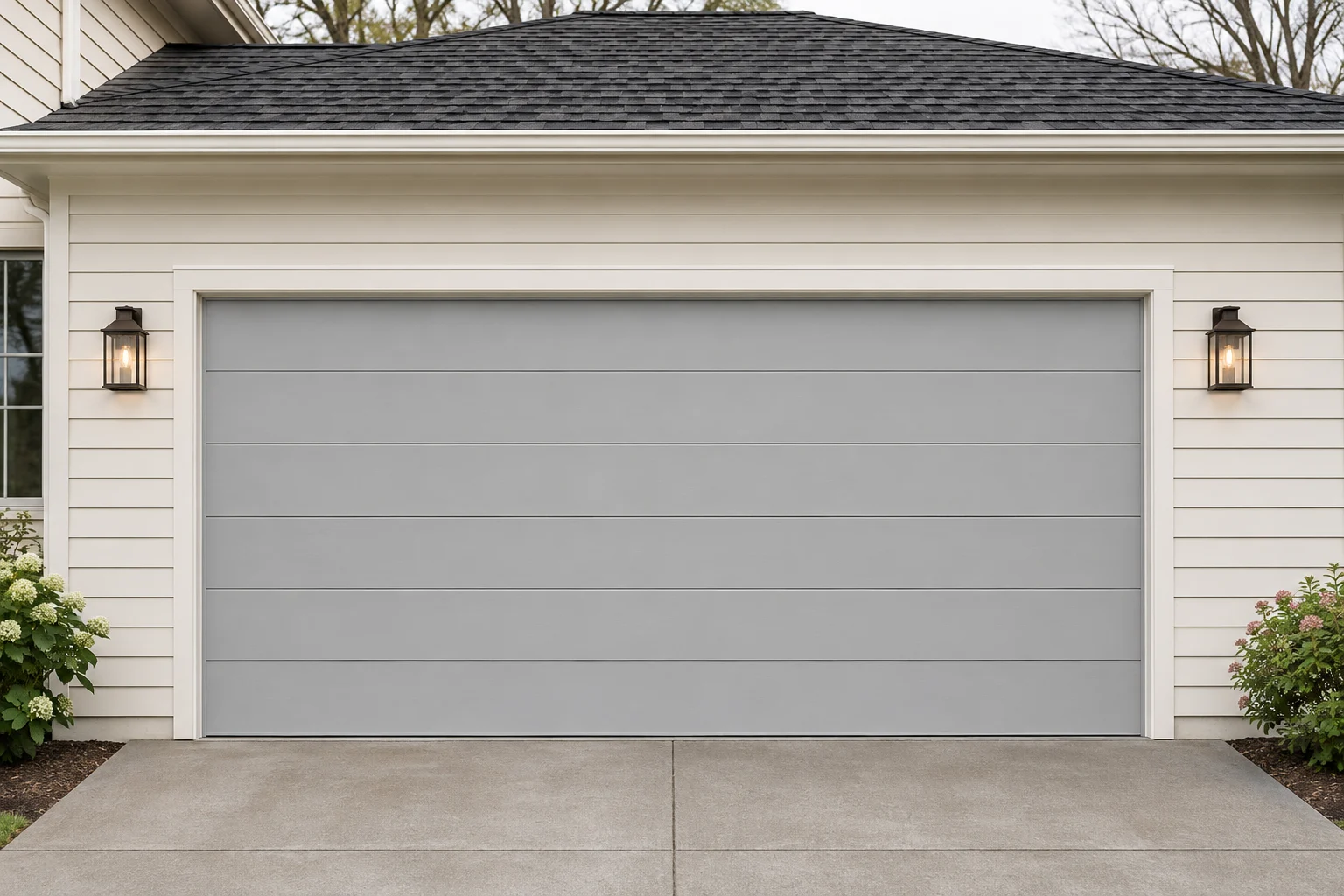
Garage door styles
Compare six panel, slat and window styles.
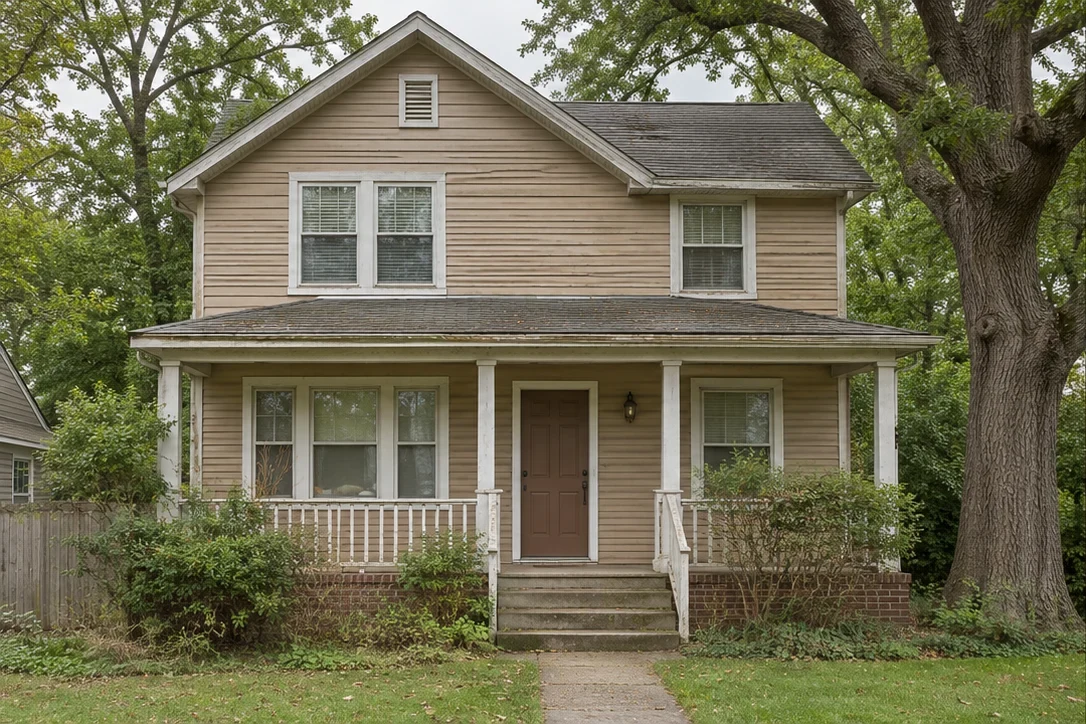
Exterior paint visualizer
Try wall colors while protecting windows and trim.
Creative studio
Generate a design, refine it and keep creating.
Before you begin.
What to expect from your home exterior design preview.
What is a home exterior design preview?
It is a way to explore house exterior design before buying paint or materials. Compare house exterior colors, siding and entrance ideas alongside the roof and brick you plan to keep, then use your favorites to start a conversation with a designer or contractor.
What can I try on HouseExterior right now?
Upload your house photo, choose an exterior style and create a new look for your home. You can also try 24 front door colors, compare six garage door styles or preview exterior paint colors on your own photo.
Can I upload a photo of my own house?
Yes. Choose a clear JPG, PNG or WebP photo under 10 MB and at least 256 pixels wide and high. Choose a style, allow your photo to be used for the design, then select Create my design.
Do I need to create an account?
Sign in to generate and retrieve whole-house AI designs. New accounts receive 50 credits to try five designs. Each design or image edit uses 10 credits. Examples, front door colors, garage door styles and exterior paint previews can be used without an account.
Are the before-and-after images real renovations?
They are original AI-generated design concepts created for HouseExterior. They illustrate different design directions, rather than completed building work or customer projects.
Will a design preview keep my house structure?
We ask the AI to preserve the viewpoint, house shape, roofline and door and window positions while updating exterior finishes. AI can still change details. Review the result carefully; it is a visual concept rather than a measured or structurally verified plan.
How close are the colors to real paint?
Photos, sunlight, screens and surface texture all affect the result. Use a preview to narrow your choices, then test physical paint samples on the actual surface.
What makes a good house exterior photo?
Use a sharp, well-lit photo taken as straight-on as possible. Keep the whole entrance visible and avoid cars, people or plants covering the area you want to change.
Can I download my preview?
Yes. Download your generated design as a PNG, or save a side-by-side comparison with your original photo. Download AI results within 14 days. The local front door, garage door and exterior paint tools also support PNG downloads.
What happens to my uploaded photos?
Your photo is processed privately after you allow photo use and choose to create a design. Uploaded originals are removed after 24 hours; download your design within 14 days. Your design history is private to your account. Front door, garage door and exterior paint previews stay in your browser.
Can HouseExterior provide plans or construction quotes?
HouseExterior provides visual ideas for planning. Discuss dimensions, materials, costs, building codes and construction work with a qualified local professional.
There’s another side to your home.
Take a look at what it could be.